Bark Phone for Kids Review: Is It A Smarter Way to Keep Your Child Safe Online?
By admin
Published on 2026-07-15 06:45:00
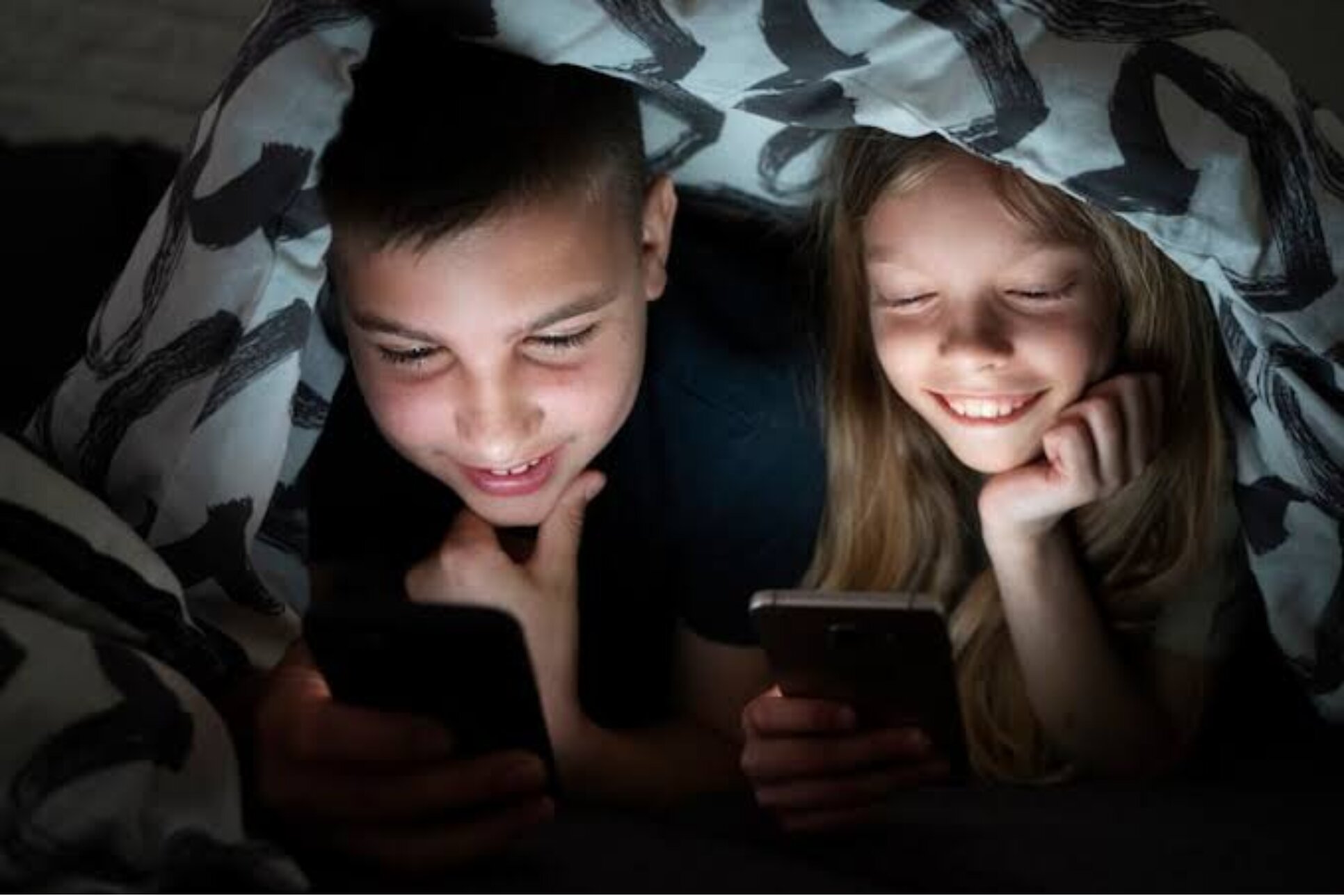
You can’t keep kids today off their phones; it’s just not happening. What you can do, however, is take proactive measures to ensure their protection online. The Bark Phone for kids guarantees that through built-in safety monitoring features.
All featured products are selected by our editors and may include affiliate links. If you purchase through these links, we may earn a commission.
Dear parents, let’s face it: keeping your kids away from the phone is simply not possible. Sooner or later you’ll have to get them one. But that comes with serious problems. Questions like “what are they watching online?” or “are they being bullied by someone?” keep you up at night. Or if it’s none of that, then it’s always the same old “I can’t keep my kid off the phone.”
You want to get your kids a mobile device, but you’re also rightfully concerned about their well-being. That’s why the Bark Phone for kids becomes a viable solution with built-in parental controls and intelligent content monitoring to keep your child safe and secure online.
Overview of the Bark Phone for Kids
The biggest concern parents have when it comes to their kids using a phone is that they can’t control how kids use it. That means parents can’t control what type of content their kids consume. The Bark phone for kids directly addresses this issue by giving parents complete control to manage apps along with screen time, contacts, and online access from one place while alerting them to potentially harmful activity.
Key Features of the Bark Phone to Keep Your Kids Safe
The Bark Phone for kids goes beyond basic parental controls by giving the tools to create safer boundaries for your kids that let them use their phones hassle-free.
AI Monitoring That Alerts You to Serious Issues
Bark AI monitors texts, emails, social media, and approved apps for signs of potential danger like cyberbullying, explicit content, self-harm, or suspicious conversations. Instead of reading every message, parents only receive alerts when something concerning is detected.
Parental Controls Kids Can't Easily Bypass
Because the Bark software is built directly into the system, kids can’t really remove or disable or work around the restrictions. This allows parents to keep control over safety settings without worrying about simple workarounds such as uninstalling apps or using VPN.
.webp)
Screen Time That Evolves With Your Child
The Bark Phone lets you create healthy digital boundaries for your kids by setting custom schedules, screen time limits, and app restrictions.
Approve Apps and Contacts Before They Reach Your Child
You get control over deciding who your child communicates with and which apps they can download by approving contacts and app requests before they appear on the device. You can also keep your kids from accessing the app store and even filter inappropriate websites for an added layer of protection.
Location Tracking for Extra Peace of Mind
With GPS tracking, real-time location updates, check-ins, and location alerts, you’re always aware of where your child is without constantly asking for updates. The phone can also automatically limit distractions when it detects the child is in a moving vehicle.
Pricing & Plans of the Bark Phone for Kids
The Bark Phone offers flexible plans that allow parents to choose the right level of freedom and supervision based on their child’s age and needs.
The Bark Phone device itself is paid separately at $10/month for 24 months whereas the Bark Phone Pro costs $25/month for 24 months.
Advantages and Possible Drawbacks of the Bark Phone
Like any device, the Bark Phone comes with its own set of advantages and limitations. While it offers a comprehensive approach to digital safety parents must consider whether its setup and pricing fit their family’s needs.
Pros of the Bark Phone
-
Uses a standard Samsung design instead of a bulky “kids phone” look, helping kids feel comfortable using it around peers.
-
Parents can adjust access levels over time, allowing the phone to grow with their child.
-
Gives kids more smartphone freedom while helping parents maintain safer boundaries.
-
Includes Bark Premium access, allowing families to extend monitoring to other devices like tablets and computers.
Cons of the Bark Phone
-
Requires ongoing device and service payments, but parents can use Bark discount codes to reduce the overall cost.
-
May feel restrictive for older teens who are already used to having unrestricted smartphones.
-
Limits parents to specific Samsung models designed to work with the Bark system.
-
Doesn’t give complete access to every message, photo, or activity log like some monitoring apps.
FAQs
What Is The Difference Between The Bark Phone And Bark Phone Pro?
The Bark Phone Pro offers enhanced performance and durability with features like a faster processor, more RAM, and a more protective design.
Does Bark Work On Other Devices Besides The Bark Phone?
Yes, Bark can also monitor other devices like tablets, computers, and smartphones through its Bark Premium subscription.
Can I Upgrade From The Bark Phone To The Bark Phone Pro?
Yes, families can switch to the Bark Phone Pro if their child needs more performance and durability as they grow.
The Bark Phone isn’t a replacement for good parenting, but it does make managing your child’s digital life much easier. By giving parents more visibility, control, and flexibility, it helps create healthier boundaries without completely taking away a child’s independence.
So if you’re thinking about buying your child their first phone or looking for a safer alternative to unrestricted smartphone use, the Bark Phone offers flexible options that can adapt to your child’s age and level of responsibility.
Stay connected with BodyBuildingRule for more tech reviews and parental guides.

With many school districts offering flexible learning arrangements for students due to the coronavirus pandemic, it,s important to ensure your students have access to quality technology products for the upcoming school year.
With many school districts offering flexible learning arrangements for students due to the coronavirus pandemic, it,s important to ensure your students have access to quality technology products for the upcoming school year.
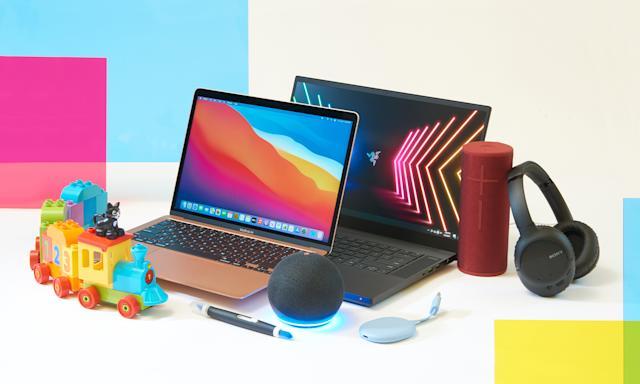
Best Laptop for Students, Apple MacBook Air 2020
Best USB Battery Pack, Mophie PowerStation PD
Best Computer Monitor under $200, Samsung C24F390
Best Wireless Headphones, Sony WH-1000X4
Best Headphones for Kids, Puro Sound Labs Puroquiet Kids Headphones

Apple MacBook Air 2020
The Mac Book Air M1, which has a record-breaking M1 processor, an extraordinarily smooth touchpad, and a keyboard, should come as no surprise given its nearly thirteen-hour battery life. The Mac Book Air is the ideal laptop for staying up late writing essays and viewing high-definition movies, unless your schools require Windows 10.

The Mac Book air is exceptional not only for its lightning-fast capabilities but also for its long battery life. We expected the advertised 15-hour battery life to be reduced to nine hours because our battery test consistently drains the laptops, batteries faster than they are supposed to.
However, we only got close to 13 hours, which is exactly one hour less than the M1 MacBook Pro,s 13. Despite using the MacBook Air during working hours, we managed to go days without charging it even with that extra hour. Nearly as long as you can remain awake, this laptop can.
Pros
+ Jaw dropping battery life + incredible performance + iconic build quality
Cons
_ Poor port selection
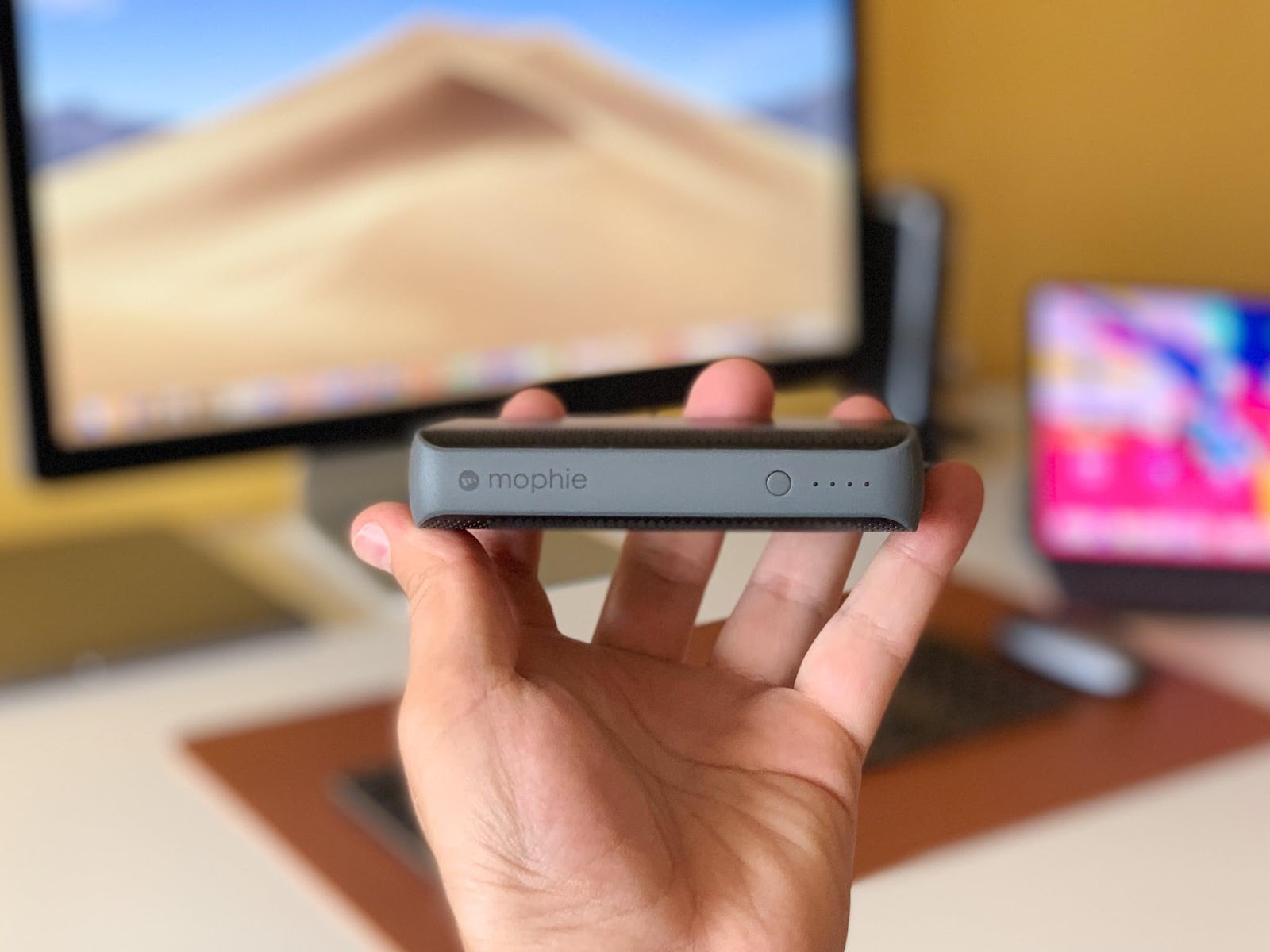
Mophie PowerStation PD
A portable battery pack is very helpful to keep students, smartphones charged because it is no secret that students who attend in-person classes rely heavily on them throughout the day.
The Mophie PowerStation PD is a compact battery that measures little over 4 x 2 x 0.9 inches yet packs a powerful 6700 mAh. Through its USB-C or USB-A ports, which provide 18 and 14 Watts, respectively, this juice can be output. For heavy users during the workweek or to keep your Smartphone charged on a long flight, this battery pack is perfect.
Pros
+ Compact + fast charges times
Cons
_ No built in charging cables
Samsung C24F390
Although using a second monitor won,t double the speed of schoolwork, it will undoubtedly help pupils be more productive. Thanks to the contrast ratio of its Vertical Alignment display panel, the Samsung C24F390 obviously outperforms other monitors in its class in terms of visual quality.
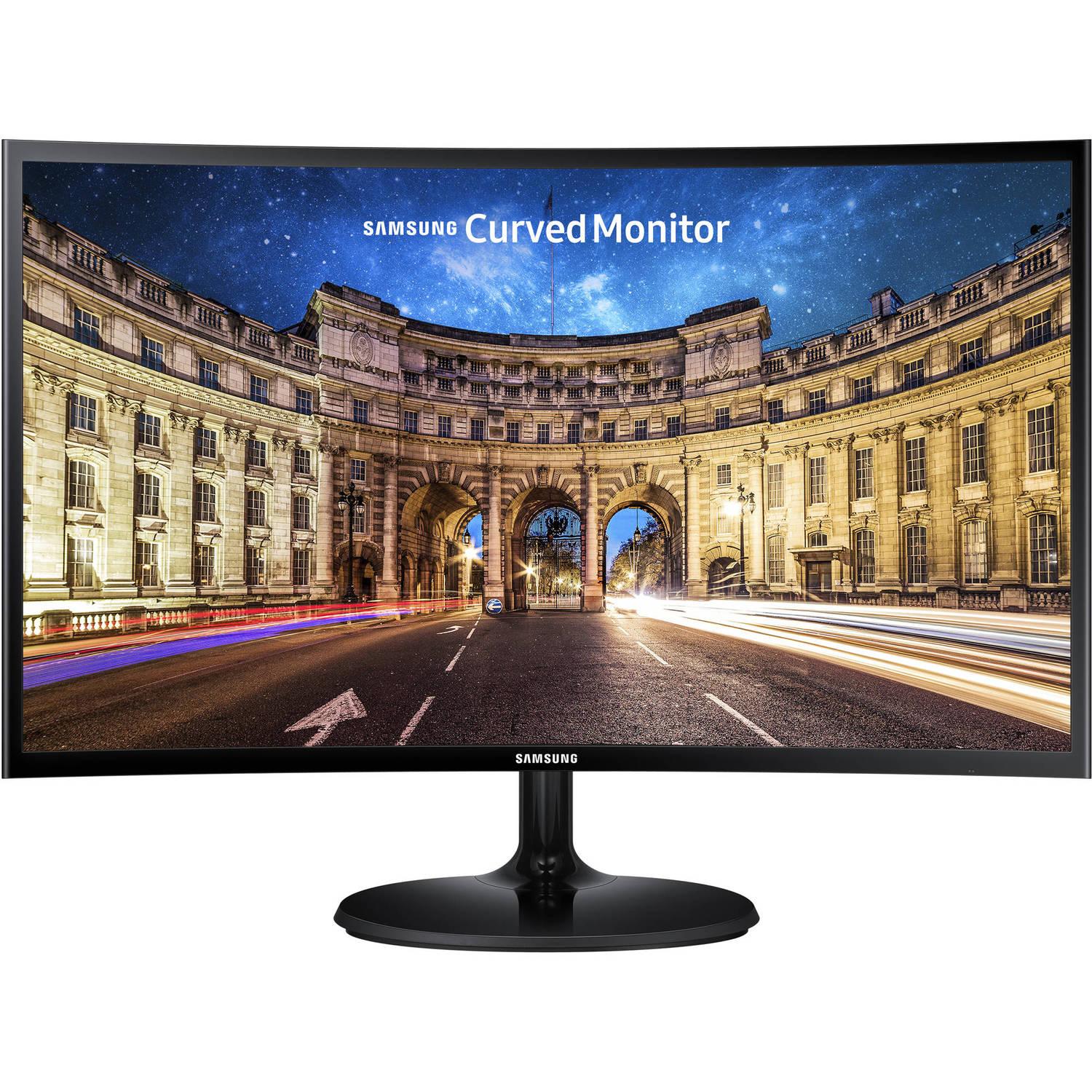
Most budget displays simply exhibit a hazy, unimpressive gray in scenarios where this monitor can display deep, inky black levels. It is, nevertheless, far brighter than the rivals we tested in practical use. The C24F390 has a distinct advantage in movies and games, which appear vivid and clear on its screen, something you might not notice when editing a spreadsheet.
Pros
+ Great contrast ratio + vibrant colors + low price
Cons
_ Flimsy stand only adjusts tilt _ low refresh rate
Sony WH-1000X4
A good set of noise-canceling headphones is a necessity for all students this school year, especially those who will be learning in noisy environments. The Sony WH-1000XM4 is the greatest wireless headset we,ve tested at Reviewed, and we,ve tried plenty of them over the years.

The 1000XM4 is a clear winner for students who want to concentrate on their studies while jamming out since it combines superb sound quality, all-day comfort, strong noise-canceling, and a fashionable design. They include a superb built-in mic that works well for video conversations, and they connect both wirelessly and over wires.
Pros
+ Excellent audio quality + top-notch noise canceling + all day comfort
Cons
_ Effective operation has a learning curve
Puro Sound Labs Puroquiet Kids Headphones
From classroom computer learning games to video chats with the whole class, kids also need a quality pair of noise-canceling headphones to get their work done. Out of the nine child-friendly headphones our editors tested, the Puro Sound Labs PuroQuiet Kids Headphones came out on top as the best headphones for kids, offering great sound and volume limiting to keep their hearing safe.
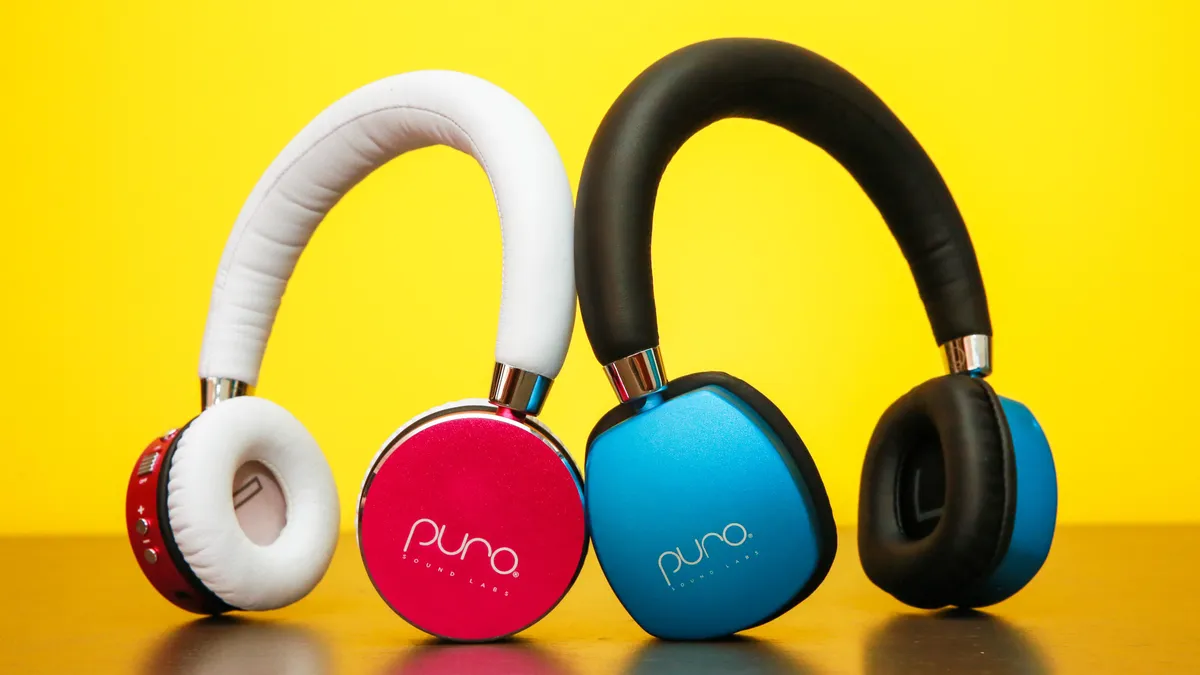
The recommended maximum of 85dBA isn,t extremely loud, even though volume-limiting headphones are essential for safeguarding your child,s hearing. By further attenuating background noise using noise cancellation, these headphones assist in finding a solution.
For younger children who are likely to forget them somewhere (or just break them), headphones that cost approximately $100 (or higher) can be expensive, but for an older child who wants finer headphones, these are worth the expenditure.
Pros
+ Cuts ambient noise with no technical issue + safe for up to 8 hours + tangle free
Cons
_ Very expensive
BLOGS







Related
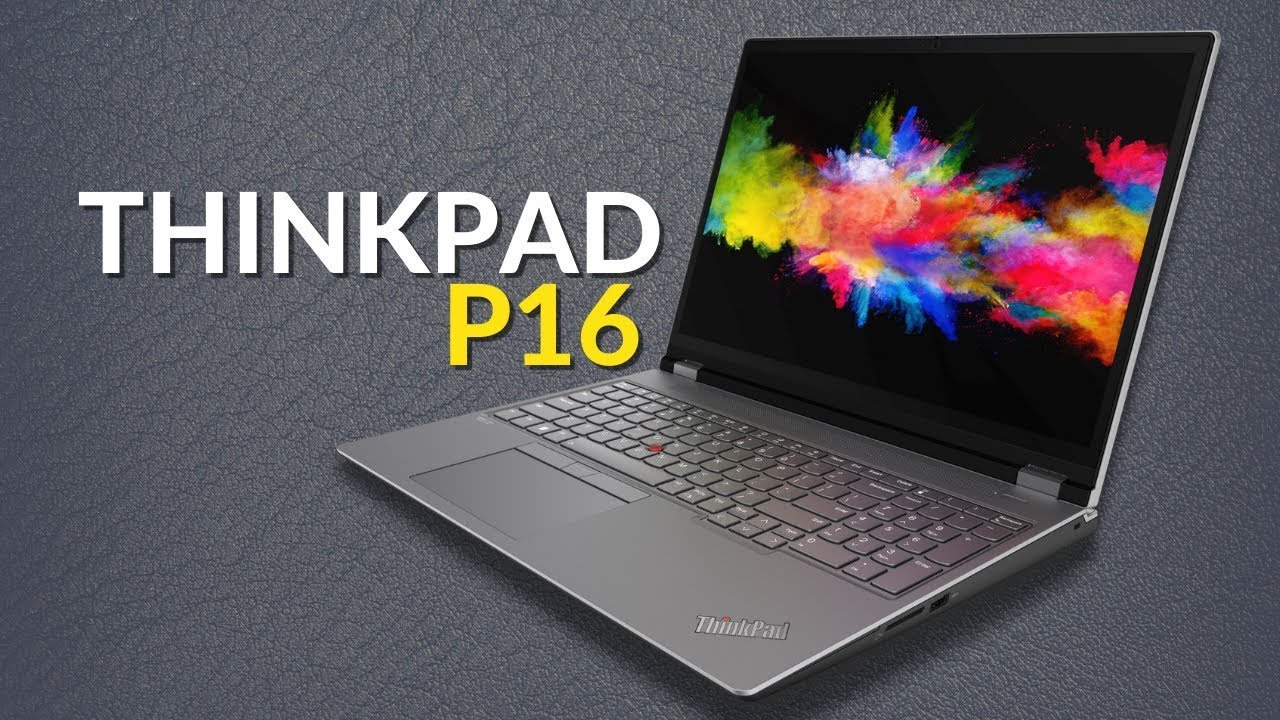
Lenovo's New ThinkPad P16 a Gaming Laptop Look-Alike
Top Cordless Irons from Tower Housewares UK in 2022

Introducing Thermoworks NODE WiFi Temperature Monitor

Car Accessories by Halfords