How Bark Protects Kids from Adult Content and Online Threats
By admin
Published on 2026-07-14 00:00:00
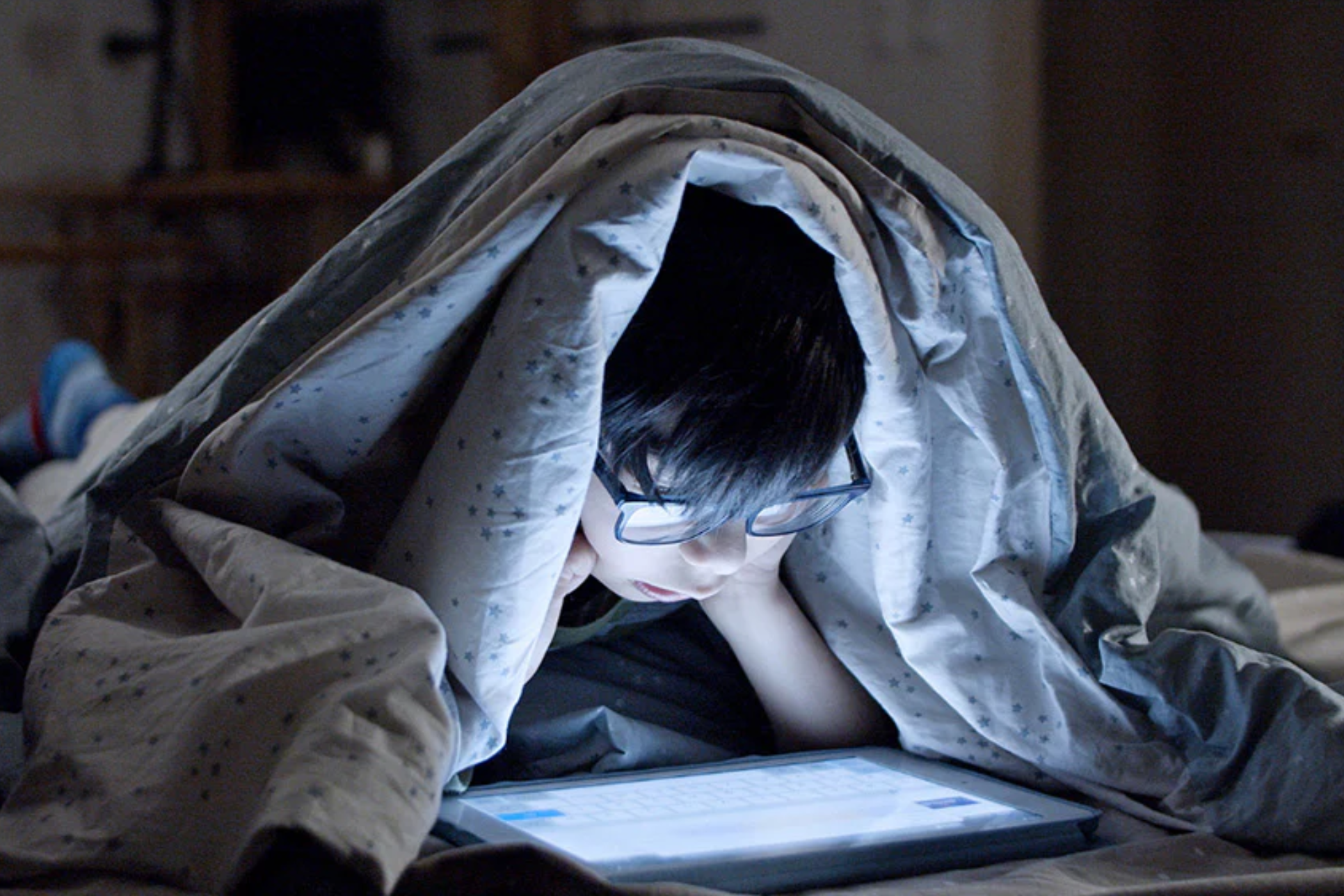
Keeping kids safe online is one of the biggest parenting challenges, as smartphones can expose them to harmful content and online threats. Bark offers a reliable way to monitor their activity and protect them.
All featured products are selected by our editors and may include affiliate links. If you purchase through these links, we may earn a commission.
Using phones at an early age is not always a good idea. It may sound old-school, but since kids’ minds are still developing, they can catch anything quickly. When children are introduced to smartphones too early, they can easily come across things that are simply not suitable for them. They also don’t understand how online advertising manipulates them or how certain websites trick young users into giving away personal information. Yes, they will eventually learn these things as they grow, but right now, they don’t know what’s right or wrong for them.
At the same time, not giving them a phone at all is also unrealistic. Kids need to learn how to use technology, especially when assignments, school portals, and daily communication depend on it. So parents have no choice but to give them access. The real concern is preventing harmful content from reaching them at a young age. And to help parents with that, there’s a perfect solution: Bark. It’s a smart safety platform that helps you monitor kids’ phone activity, keep them protected from online threats.
Why Early Digital Exposure is So Harmful for Kids
Some parents believe kids should have full privacy and shouldn’t be monitored, and that idea makes sense once they’re older. But at a young age, leaving them completely unmonitored isn’t good for them… it puts them at risk. In fact, by not keeping an eye on what they’re exposed to, you may unintentionally allow things that can affect their mental health, behaviour, and future relationships.
Here’s what can happen:
- Kids can accidentally see adult or harmful stuff online very easily. Sometimes websites or apps show things without warning, even if your child wasn’t searching for anything bad.
- Seeing sexual or violent content too young can mess with their emotions. Research shows it can make kids more anxious, scared, or confused because their minds aren’t ready for it.
- It can give them the wrong advice about relationships. Kids may think what they see online is “normal,” even when it’s unhealthy or unrealistic.
- Cyberbullying, scams, strangers messaging them, kids usually don’t understand how risky these things are.
- Real cases show predators contacting kids through social apps. Police and courts deal with these incidents every year, proving it’s a serious problem.
How Bark is A Complete Parental Security Solution
Bark is an easy-to-use parental-control app that helps parents keep their kids safe online.
It watches over their phone activity in the background. It keeps an eye on more than 30 popular apps and platforms, including Instagram, Snapchat, YouTube, TikTok, and many more. It looks for signs of bullying, adult content, predators, violence, self-harm, or anything that could be unsafe. Instead of showing every private message, Bark only alerts parents when something worrying happens. This way, kids still get privacy, and parents get peace of mind knowing they’ll be notified if there’s real danger.
Set up an Overview of Bark
Here is how Bark works:
Install Bark on Your Child’s Device
- Download the Bark app from the App Store or Google Play.
- Open it and sign in with your Bark account.
Add Your Child’s Profile
- Tap “Add Child” inside the app.
- Enter their name and age so Bark can apply the right safety filters.
Connect Their Social Media & Email Accounts
- Bark will show you a list of apps it can monitor (like Instagram, Snapchat, YouTube, Gmail, etc.).
- Select the ones your child uses and follow the on-screen steps to link them.
Give Bark the Needed Permissions
- The app will ask for access to notifications, photos, messages, and app activity.
- Tap “Allow” so Bark can scan for harmful content.
Turn On Monitoring
- Once permissions are granted, Bark starts scanning messages, images, videos, and posts quietly in the background.
- No need for parents to check anything manually.
Set Up Safety Controls
Inside the parent dashboard, you can:
- Set screen-time limits
- Block apps or websites
- Filter adult content
- Schedule allowed online hours
- Turn on location alerts
Receive Alerts When Something Is Wrong
- Bark only notifies parents if it finds something unsafe.
- You get a clean, simple alert explaining what happened and what to do next.
Adjust Settings Anytime
You can change the rules, add new apps, or update restrictions whenever your child grows or needs different limits.
The online world is full of risks, and early exposure can damage a child’s emotional development. Yes, kids deserve privacy, but not at an age where they can’t tell the difference between what’s safe and what can traumatise them for life. Giving them full access too early is like letting them walk alone into a dangerous city at night. Until they’re mature enough to handle the internet on their own, parents have to step in. And that’s where Bark helps by quietly catching the dangerous stuff before it reaches your child.
Bark runs an affiliate program, and we are affiliated with them. If you click on this link, you might find a discount, and we’ll get a small tip at no extra cost to you. You can even use the Bark Discount Code and get a discount on your purchase.
Stay tuned to BodyBuildingRule to get updates on child safety gadgets.

With many school districts offering flexible learning arrangements for students due to the coronavirus pandemic, it,s important to ensure your students have access to quality technology products for the upcoming school year.
With many school districts offering flexible learning arrangements for students due to the coronavirus pandemic, it,s important to ensure your students have access to quality technology products for the upcoming school year.
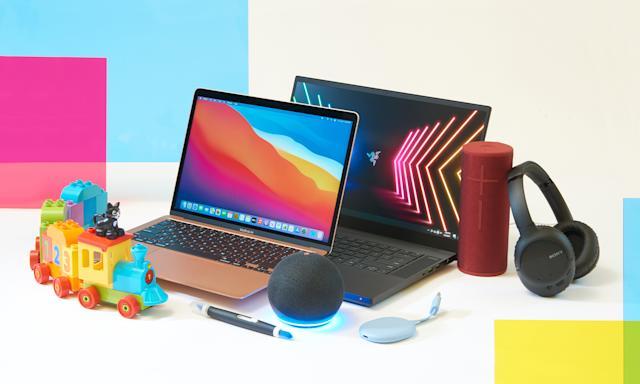
Best Laptop for Students, Apple MacBook Air 2020
Best USB Battery Pack, Mophie PowerStation PD
Best Computer Monitor under $200, Samsung C24F390
Best Wireless Headphones, Sony WH-1000X4
Best Headphones for Kids, Puro Sound Labs Puroquiet Kids Headphones

Apple MacBook Air 2020
The Mac Book Air M1, which has a record-breaking M1 processor, an extraordinarily smooth touchpad, and a keyboard, should come as no surprise given its nearly thirteen-hour battery life. The Mac Book Air is the ideal laptop for staying up late writing essays and viewing high-definition movies, unless your schools require Windows 10.

The Mac Book air is exceptional not only for its lightning-fast capabilities but also for its long battery life. We expected the advertised 15-hour battery life to be reduced to nine hours because our battery test consistently drains the laptops, batteries faster than they are supposed to.
However, we only got close to 13 hours, which is exactly one hour less than the M1 MacBook Pro,s 13. Despite using the MacBook Air during working hours, we managed to go days without charging it even with that extra hour. Nearly as long as you can remain awake, this laptop can.
Pros
+ Jaw dropping battery life + incredible performance + iconic build quality
Cons
_ Poor port selection
Mophie PowerStation PD
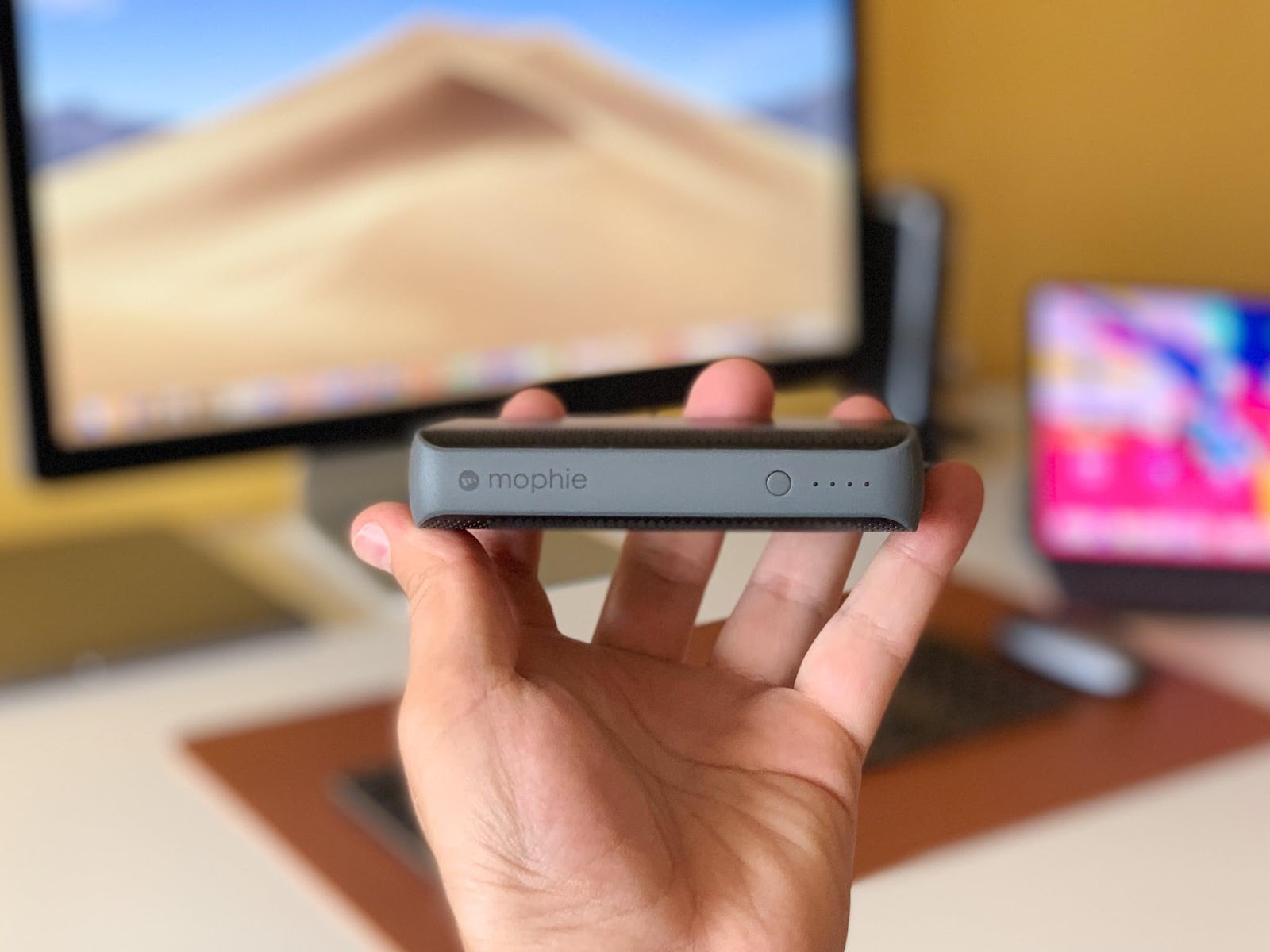
A portable battery pack is very helpful to keep students, smartphones charged because it is no secret that students who attend in-person classes rely heavily on them throughout the day.
The Mophie PowerStation PD is a compact battery that measures little over 4 x 2 x 0.9 inches yet packs a powerful 6700 mAh. Through its USB-C or USB-A ports, which provide 18 and 14 Watts, respectively, this juice can be output. For heavy users during the workweek or to keep your Smartphone charged on a long flight, this battery pack is perfect.
Pros
+ Compact + fast charges times
Cons
_ No built in charging cables
Samsung C24F390
Although using a second monitor won,t double the speed of schoolwork, it will undoubtedly help pupils be more productive. Thanks to the contrast ratio of its Vertical Alignment display panel, the Samsung C24F390 obviously outperforms other monitors in its class in terms of visual quality.
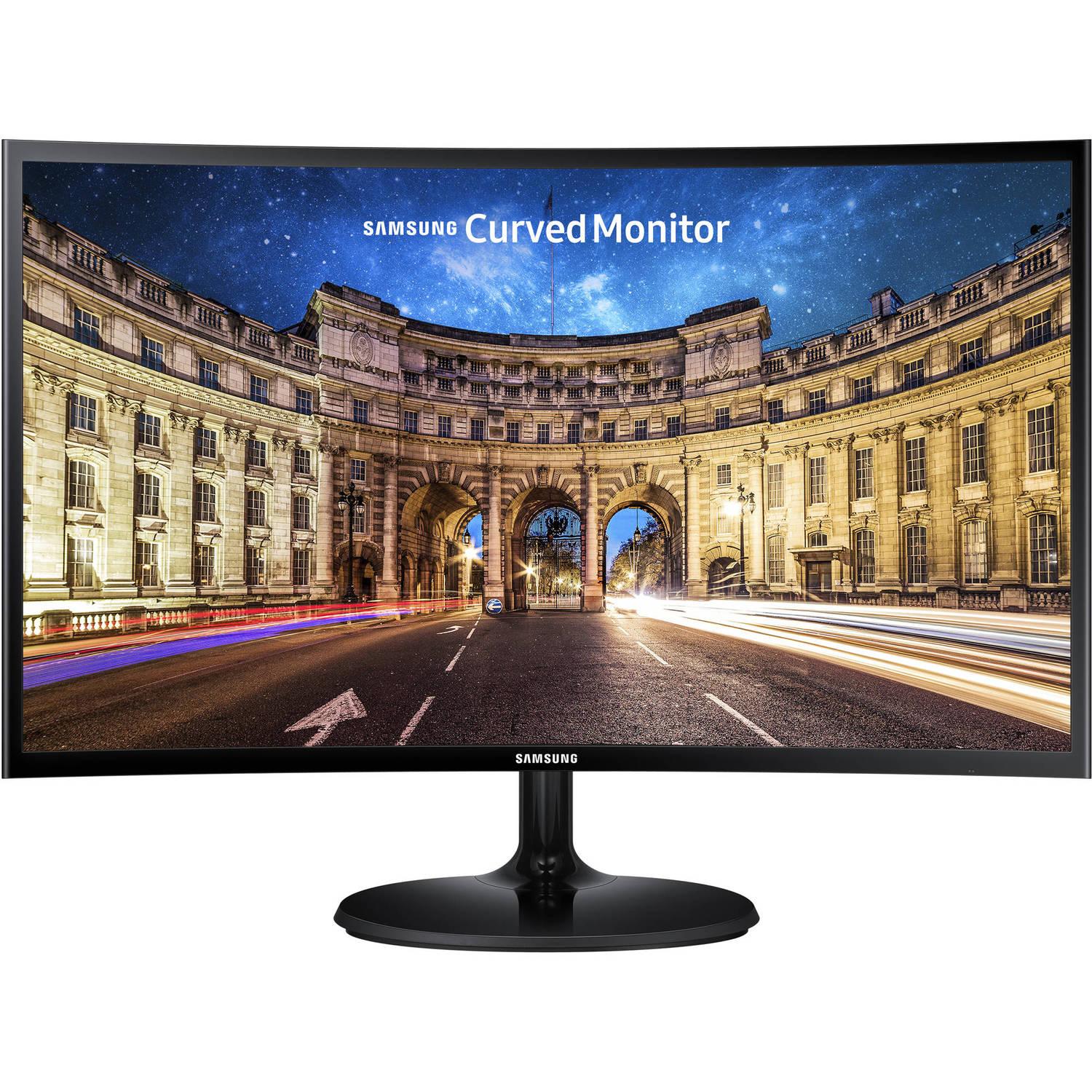
Most budget displays simply exhibit a hazy, unimpressive gray in scenarios where this monitor can display deep, inky black levels. It is, nevertheless, far brighter than the rivals we tested in practical use. The C24F390 has a distinct advantage in movies and games, which appear vivid and clear on its screen, something you might not notice when editing a spreadsheet.
Pros
+ Great contrast ratio + vibrant colors + low price
Cons
_ Flimsy stand only adjusts tilt _ low refresh rate
Sony WH-1000X4
A good set of noise-canceling headphones is a necessity for all students this school year, especially those who will be learning in noisy environments. The Sony WH-1000XM4 is the greatest wireless headset we,ve tested at Reviewed, and we,ve tried plenty of them over the years.

The 1000XM4 is a clear winner for students who want to concentrate on their studies while jamming out since it combines superb sound quality, all-day comfort, strong noise-canceling, and a fashionable design. They include a superb built-in mic that works well for video conversations, and they connect both wirelessly and over wires.
Pros
+ Excellent audio quality + top-notch noise canceling + all day comfort
Cons
_ Effective operation has a learning curve
Puro Sound Labs Puroquiet Kids Headphones
From classroom computer learning games to video chats with the whole class, kids also need a quality pair of noise-canceling headphones to get their work done. Out of the nine child-friendly headphones our editors tested, the Puro Sound Labs PuroQuiet Kids Headphones came out on top as the best headphones for kids, offering great sound and volume limiting to keep their hearing safe.

The recommended maximum of 85dBA isn,t extremely loud, even though volume-limiting headphones are essential for safeguarding your child,s hearing. By further attenuating background noise using noise cancellation, these headphones assist in finding a solution.
For younger children who are likely to forget them somewhere (or just break them), headphones that cost approximately $100 (or higher) can be expensive, but for an older child who wants finer headphones, these are worth the expenditure.
Pros
+ Cuts ambient noise with no technical issue + safe for up to 8 hours + tangle free
Cons
_ Very expensive
BLOGS







Related
Lenovo's New ThinkPad P16 a Gaming Laptop Look-Alike

Top Cordless Irons from Tower Housewares UK in 2022

Introducing Thermoworks NODE WiFi Temperature Monitor

Car Accessories by Halfords