
Unlock the World of Coding with CodeMonkey Courses
By admin
Published on 2024-09-20 00:00:00
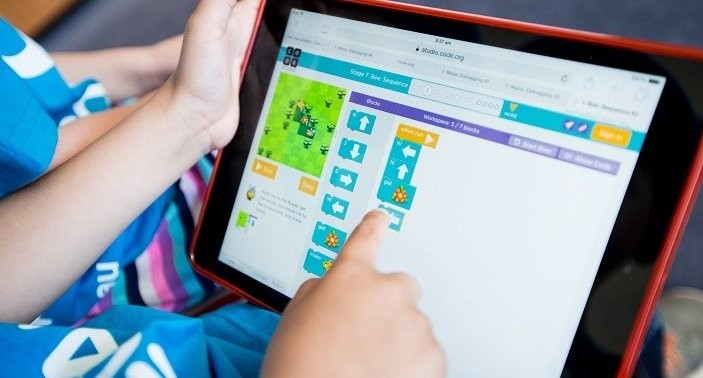
CodeMonkey offers exciting courses that teach kids how to code through interactive games and challenges. With the options mentioned below, children can build coding skills while having a blast.
Coding is like giving instructions to a computer to make it do what you want. It’s a bit like writing a recipe for a cake, where you tell the computer step-by-step how to solve a problem or create something. For kids, coding can be a lot of fun because it feels like playing a game. They use special tools and games to learn how to write these instructions. By learning to code, kids can create their own games, solve puzzles, and even make cool projects. It’s a great way for them to learn problem-solving and creativity while having a blast.
Coding is a valuable skill for kids to learn. CodeMonkey is a fantastic platform that makes learning to code fun and engaging through interactive games. If you are looking for a way to introduce your child to coding, CodeMonkey’s courses offer a great starting point. Here’s a closer look at their exciting courses and how they can help your child develop coding skills in a fun way.
What is CodeMonkey?
CodeMonkey is an online platform designed to teach kids how to code through interactive games. It caters to children aged 4 and up, offering a range of courses that make learning programming concepts easy and enjoyable. With CodeMonkey, kids learn to code by solving puzzles and completing challenges in a playful environment.
Explore CodeMonkey’s Courses
CodeMonkey Jr.
CodeMonkey Jr. is perfect for younger kids, usually age 4+. In this course, kids help a friendly monkey character solve coding puzzles. They use block-based coding, which means they drag and drop code blocks instead of typing. This method is great for introducing basic programming concepts like sequencing and loops without needing to write code. CodeMonkey Jr. makes learning to code feel like playing a game, which is ideal for young learners.
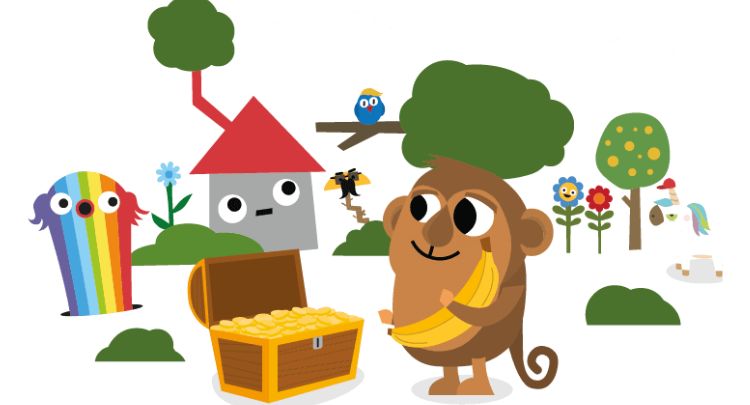
To start your child’s journey to coding, sign up for CodeMonkey Jr. and let them have fun solving puzzles with friendly monkey characters.
Beaver Achiever
As kids get a bit older, usually around 6 and up, they can move on to Beaver Achiever. In this course, kids help a beaver build a dam by solving coding challenges. This course introduces more advanced concepts like loops and conditionals. Kids learn to use these concepts to solve increasingly complex puzzles. Beaver Achiever helps children build a strong foundation in coding by gradually increasing the difficulty of the challenges.

To help your child master loops and conditionals while building a beaver’s dam, join Beaver Achiever and let their coding skills grow.
Dodo Does Math
Dodo Does Math combines coding with math practice. In this course, kids help a dodo bird solve math problems using code. This is a fun way to reinforce math skills while learning to code. By integrating coding with math, kids can see how programming can be used to solve mathematical problems. It’s a great choice for kids around 8 years old, who enjoy math and want to understand its connection with coding.

To combine math and coding, enroll with Dodo Does Math and watch your child solve math problems with code in a fun, interactive way.
Coding Adventure
Coding Adventure takes kids on an exciting journey through different levels and challenges. In this course, kids use coding to navigate obstacles and complete quests. Coding Adventure is designed for kids who are ready for a more immersive experience. The course introduces various coding concepts in a fun, adventure-based setting. As kids progress through the levels, they encounter new coding challenges that keep them engaged and motivated. Coding Adventure uses the programming language of CoffeeScript and it`s perfect for kids aged 8+.

To let your child explore new levels and solve quests using code, start with Coding Adventure and see them thrive in a world of coding fun.
Game Builder
For kids who are interested in game design, the Game Builder course is a fantastic option. In this course, kids get to create their own games. They use coding to design characters, set up levels, and make their games interactive. Game Builder also uses CoffeeScript which allows kids to apply their coding skills creatively by building something they can share with friends and family. It’s a great way for kids to see how coding can be used to bring their ideas to life.

Let your child create their own games with Game Builder. They will design characters and levels while learning to code.
How CodeMonkey Works
CodeMonkey’s courses are all available online, so kids can learn from anywhere with an internet connection. The platform is designed to be user-friendly, with easy navigation and clear instructions. Each course includes video tutorials and step-by-step guides to help kids understand the material.
Here’s how it typically works:
Sign Up: Parents can sign up their children on the CodeMonkey website. Many courses offer a free trial or demo so you can see if it’s a good fit before committing.
Choose a Course: Based on your child’s age and interests, choose the course that best suits them. Does not matter if they are just starting out or ready for more advanced challenges, there’s a course for every level.
Start Learning: Kids begin the course and start working through the interactive games and puzzles. They receive instant feedback, which helps them learn and improve as they go.
Track Progress: Parents can track their child’s progress and see how they are doing. This feature helps parents stay informed about their child’s learning journey.
Benefits of CodeMonkey Courses
Builds Confidence: As kids solve coding puzzles and complete challenges, they gain confidence in their problem-solving abilities. This boosts their self-esteem and encourages them to tackle new challenges.
Early Coding Skills: Learning to code at a young age sets kids up for future success. Coding skills are increasingly valuable in today’s digital world, and starting early gives kids a head start.
Fun and Engaging: The game-based approach makes learning fun. Kids are more likely to stay engaged and motivated when they are having a good time.
Creative Expression: Courses like Game Builder allow kids to use coding to create their own games. This fosters creativity and helps kids see how coding can be used to express their ideas.
CodeMonkey offers a range of courses that make learning to code accessible and enjoyable for kids. From basic coding concepts with CodeMonkey Jr. to advanced game design with Game Builder, there’s something for every young learner. By combining fun games with educational content, CodeMonkey helps kids develop valuable skills while having a great time. If you are looking to introduce your child to coding, CodeMonkey is a fantastic choice to make learning engaging and effective.
For more coding-related content, visit Bodybuildingrule.

Footstools are one of those household items that truly bring together a lounge yet finding the best end tables is no simple accomplishment. They come in different shapes, sizes, materials, and capabilities based on customer`s requirements.
Foot stools are one of those household items that truly bring together a lounge yet finding the best end tables is no simple accomplishment. They come in each shape, size, material, and capability you could imagine, yet it can in any case require investment to track down the one that is perfect for your space and energy.

The Finest Coffee Tables in Every Price Range
Floyd the coffee table
Anthropologie targua Moroccan coffee table
Sand and stable laguna coffee table
Urban outfitters Marisol coffee table
West elm mid century pop up coffee table
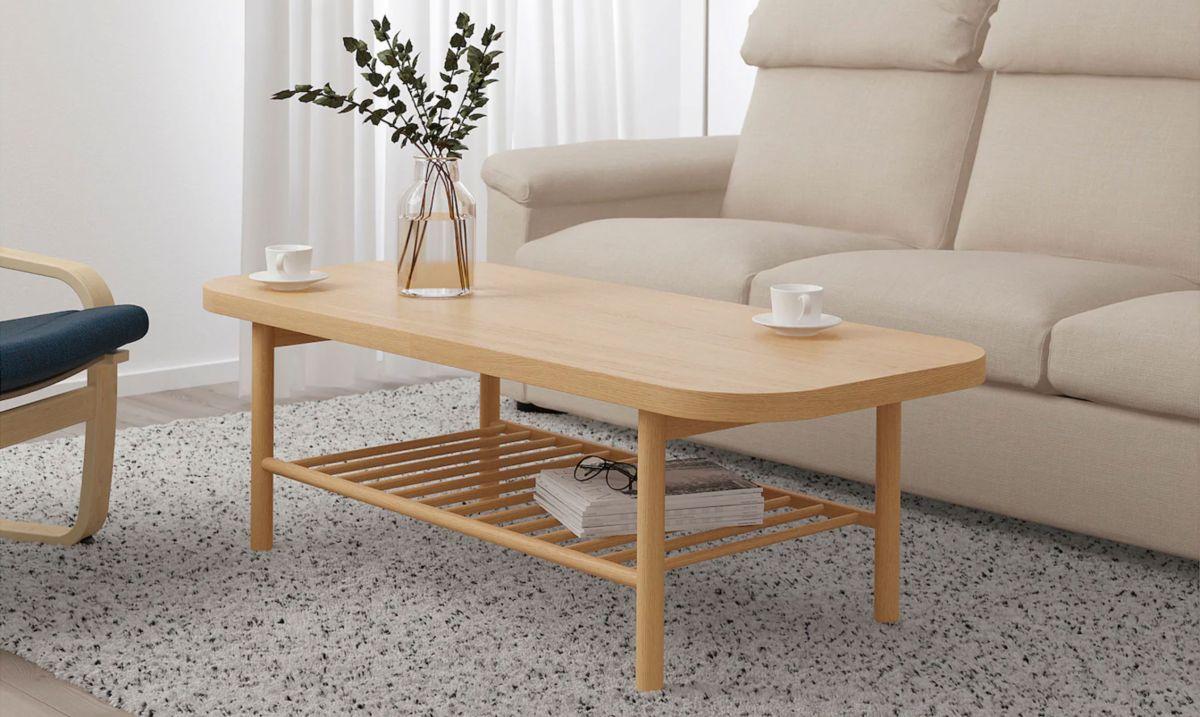
Floyd The Coffee Table
Floyd is known for its American-made particular furnishings, and the brand has a straightforward yet jazzy foot stool that you can tweak to suit your space. The plan highlights strong powder-covered metal legs with a birch compressed wood top, and you can conclude whether you maintain that it should be a 34-inch circle or 59 x 19-1/2 inch oval.

Notwithstanding the shape, there are a couple of alternate ways of modifying the plan of your foot stool. The tabletop is accessible in birch or pecan gets done, and the legs come in dark or white.
Anthropologie targua Moroccan coffee table
The Targua Moroccan Coffee Table will offer a striking expression in your lounge thanks to its many-sided bone and pitch decorate. The table is made from tropical hardwood and upheld by a pounded antique metal base, and the tabletop is covered with a handmade bone trim example. The roundabout table is accessible with greenish blue or charcoal sap, and you can look over three sizes 30, 36, or 45 crawls in breadth.

Sand and stable laguna coffee table
This top of the line foot stool is reasonable and snappy; it`s no big surprise it`s so well known! The Laguna Table has a wood and metal plan that gives it a modern feel, and it`s accessible in an assortment of wood completes the process of, including dim and whitewashed, to match your space.

The table is 48 x 24 inches, and it has a roomy lower rack where you can show odds and ends or reserve your #1 magazines. The base is produced using steel with X-molded emphasizes on each side, and notwithstanding the item`s sensible value, the top is really produced using strong wood.
Urban outfitters Marisol coffee table
Give any room an airy bohemian feel with the Marisol Coffee Table, which is made from naturally colored woven rattan. It has a flat tabletop with rounded corners, and you can choose between two sizes. The larger is 44 inches long, and the smaller is 22 inches long. If you opt to get both sizes, they can be nested together for a unique display.

West elm mid century pop up coffee table
This trendy mid-century foot stool includes a lift-top plan, permitting you to involve it as a work area or eating surface while you`re perched on the sofa.

The deviated plan is produced using strong eucalyptus wood and designed wood with a marble piece on one side, and you can pick either a solitary or twofold spring up, contingent upon your necessities. The table has an alluring pecan finish, and there`s a secret extra room under the spring up top, giving the ideal spot to conceal mess.
BLOGS








Related
How to Choose Truly Exceptional Gifts

Coupon Codes by Fossil UK

Otrium Joins British Fashion Council to Promote Sustainable Fashion

Exploring Quality Women’s Apparel at StyleWe